
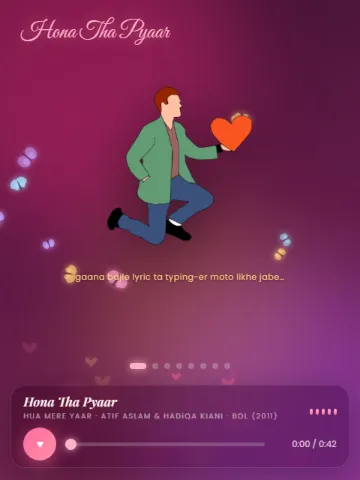
Hona Tha Pyaar
💘 Valentine
Nothing matches that
Try a different word, or look through everything.
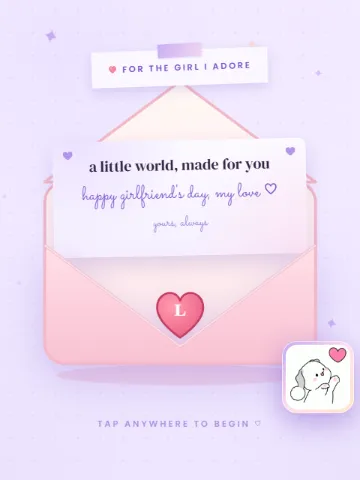
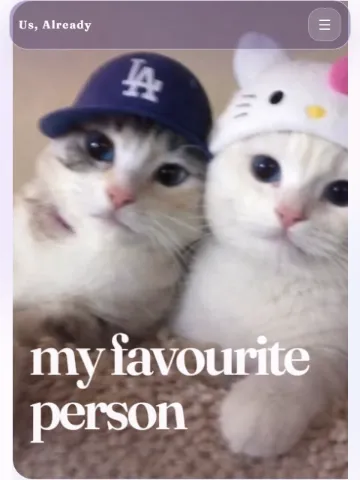
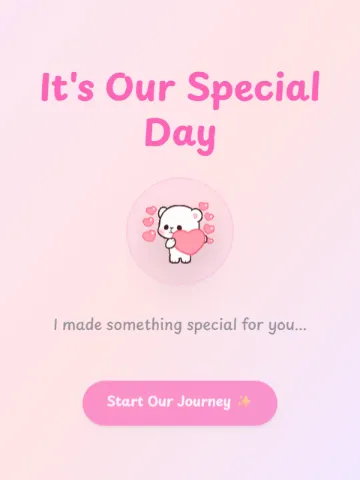
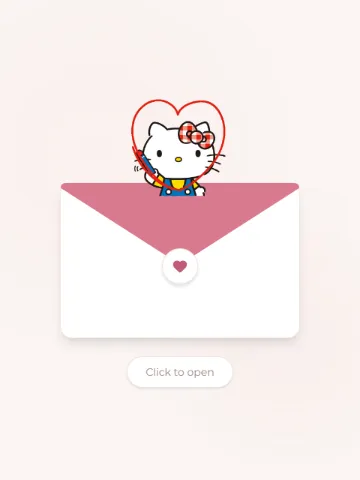
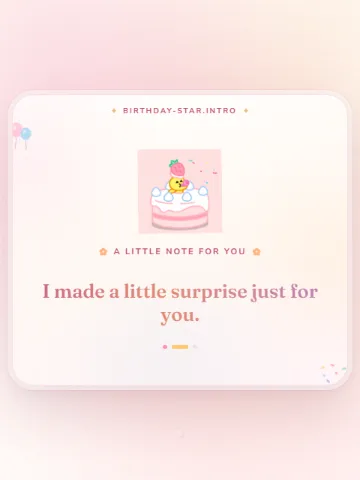
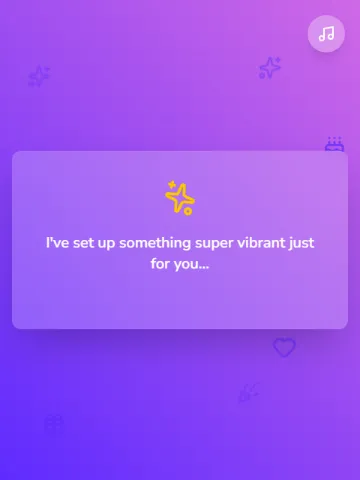
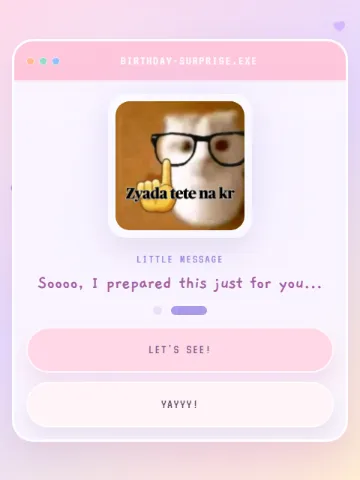
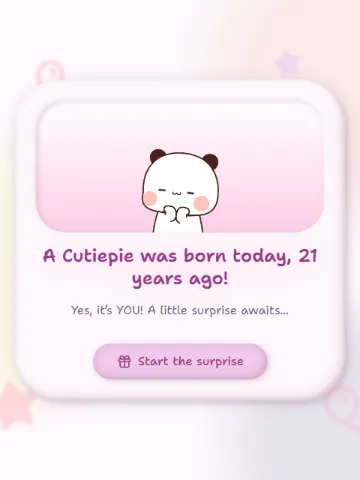
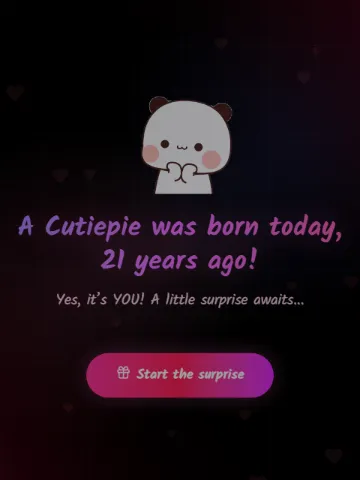
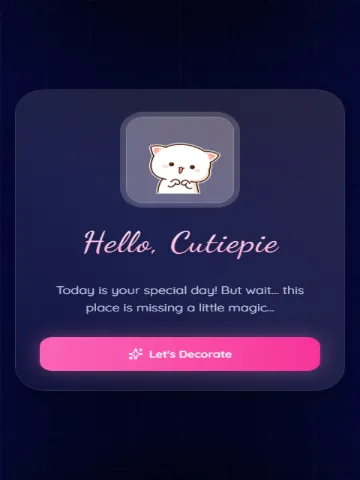
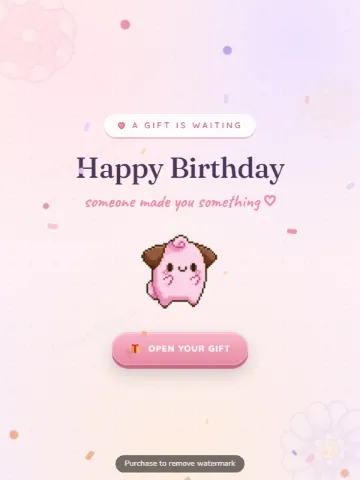
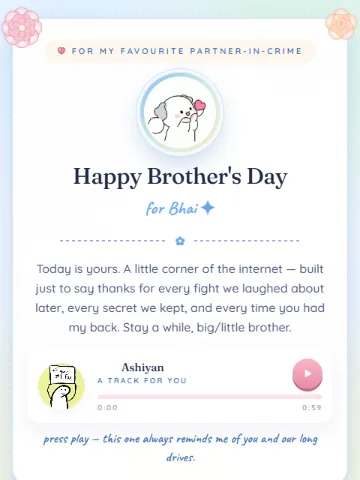
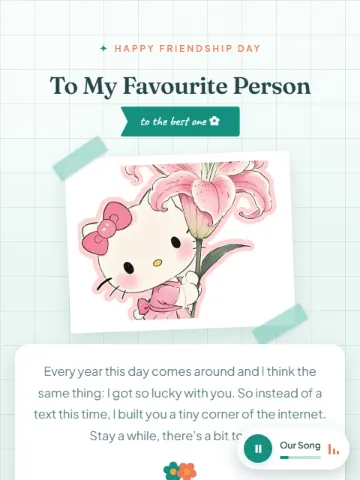
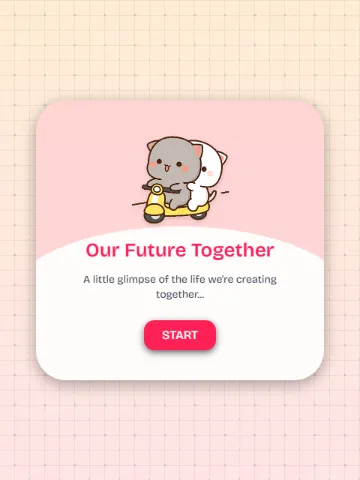
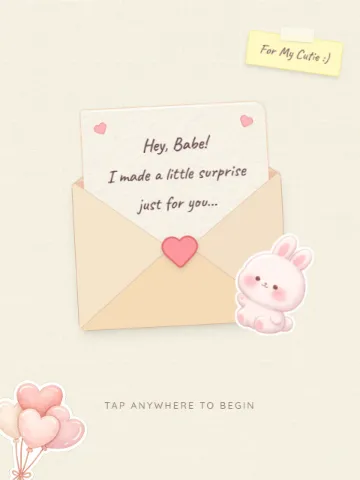
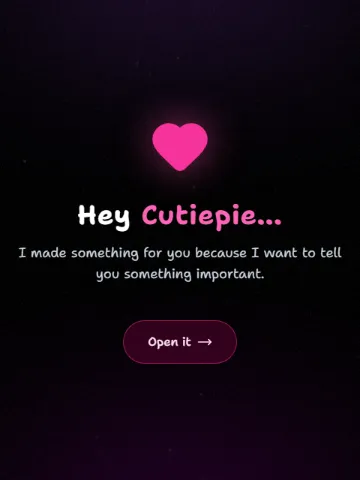
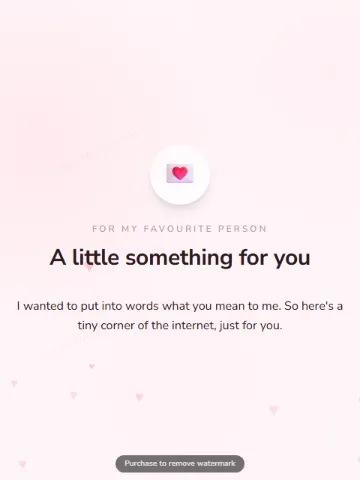
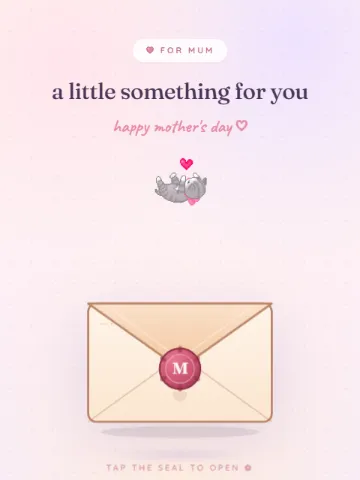
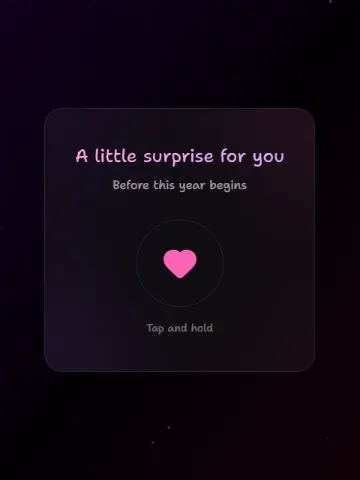
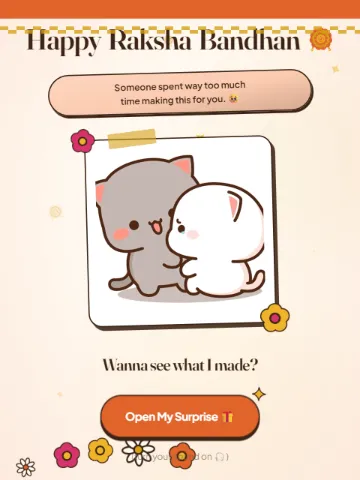
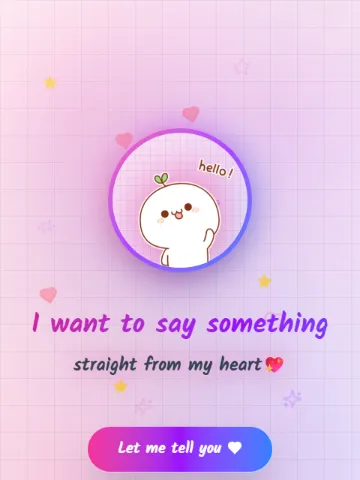
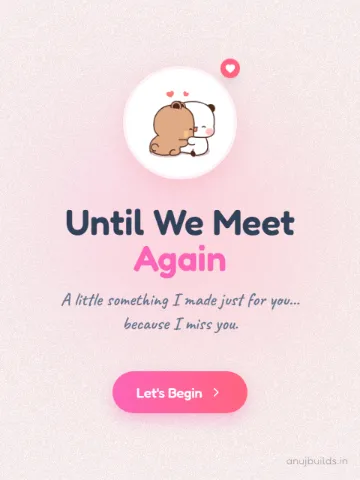
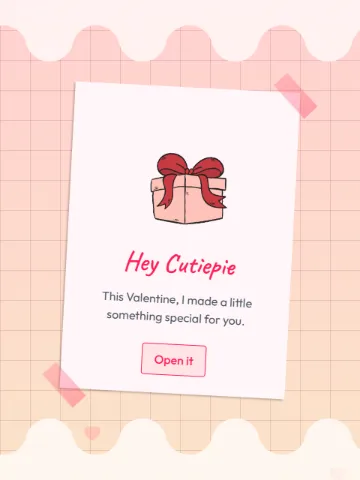
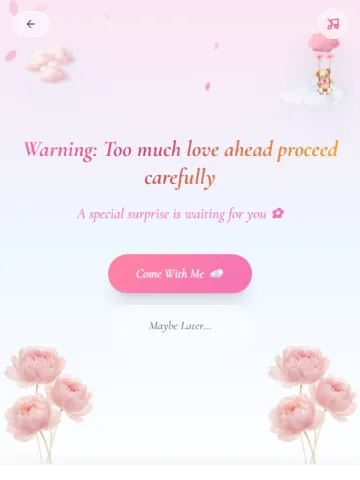
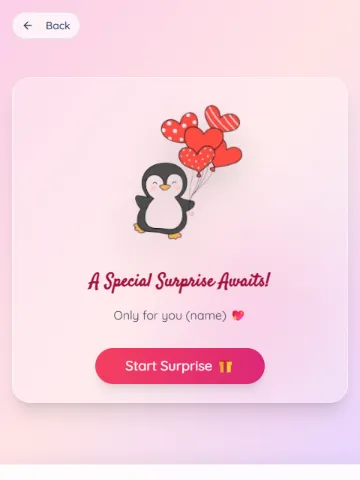
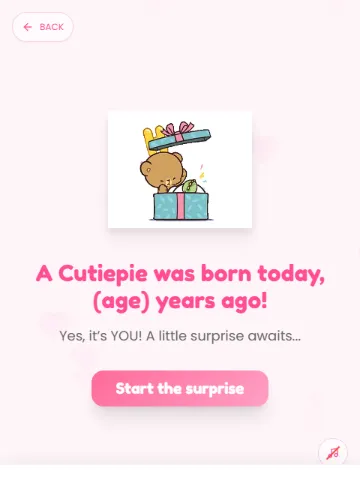
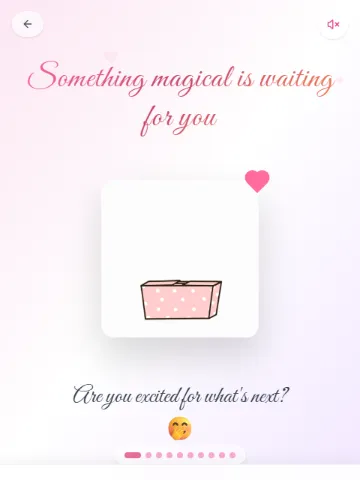
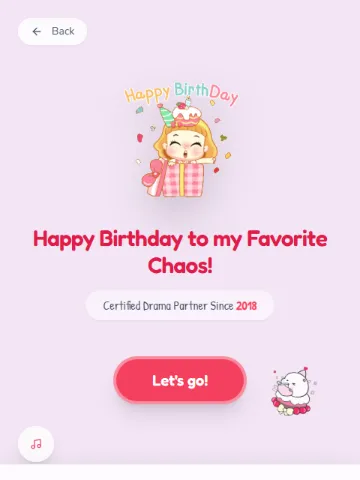
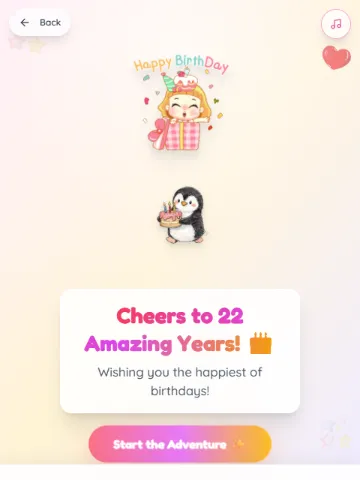
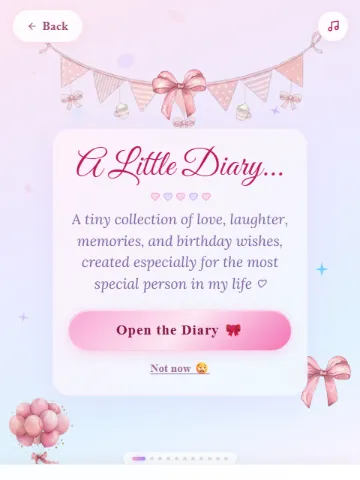
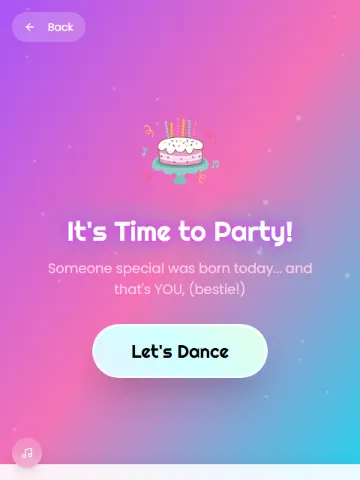
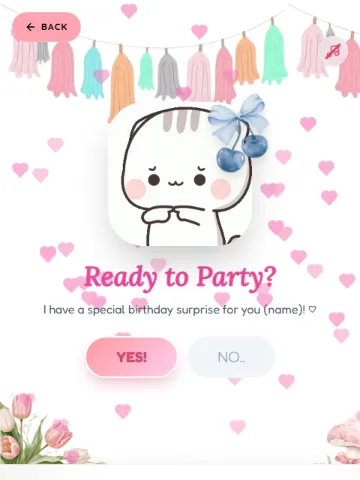
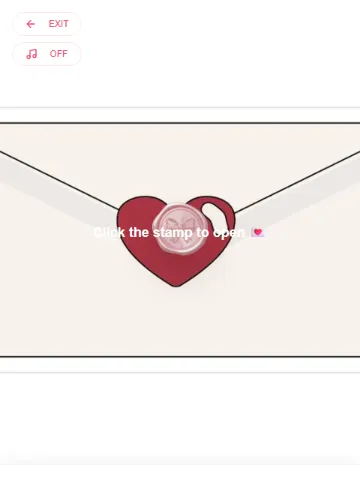
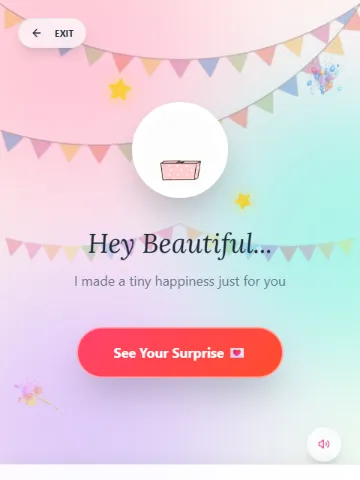
Pick a design, add your own words and photos, and get a link you can send on WhatsApp or Instagram.
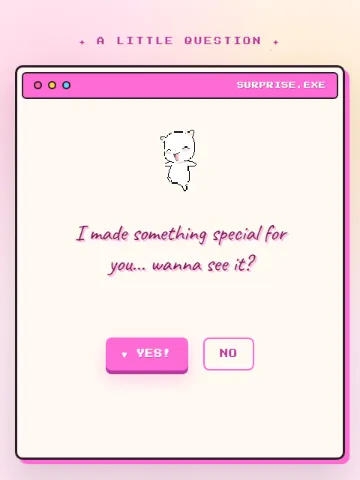
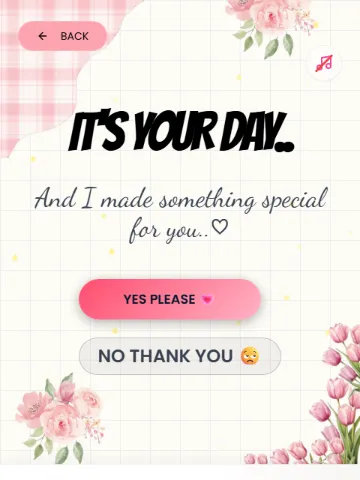
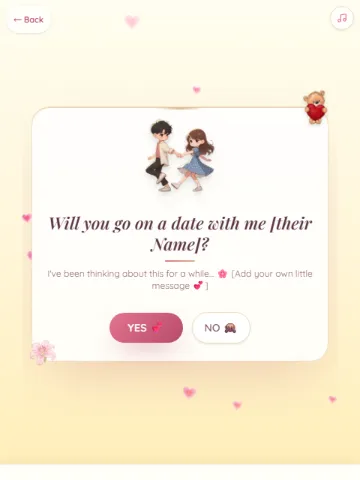
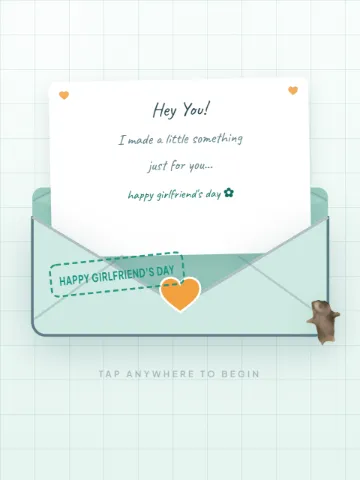
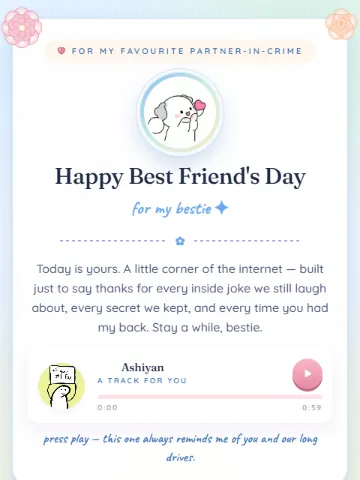
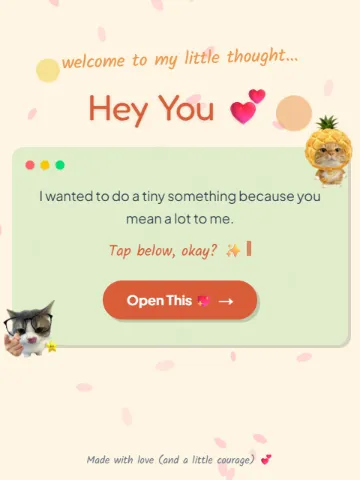
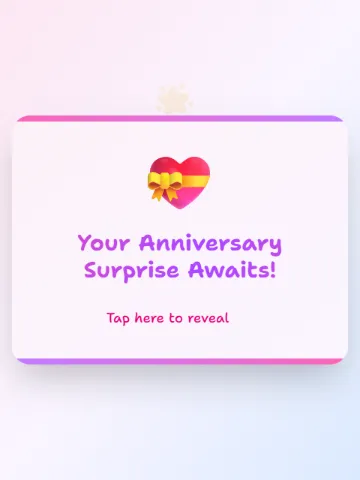
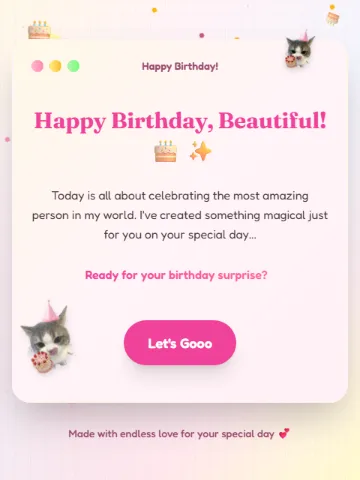
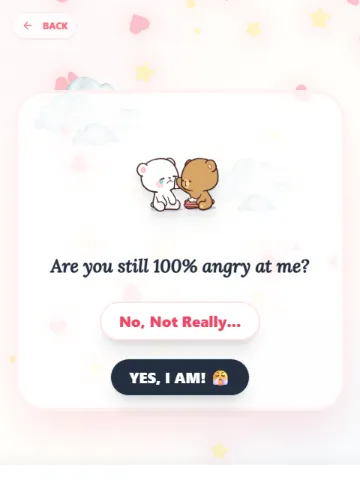
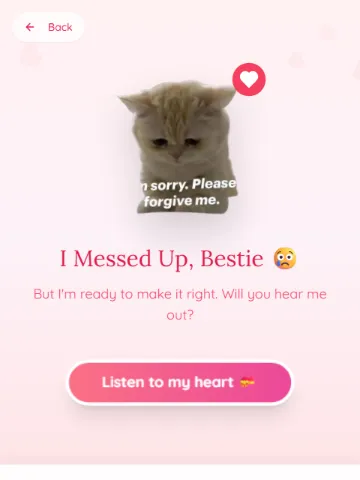
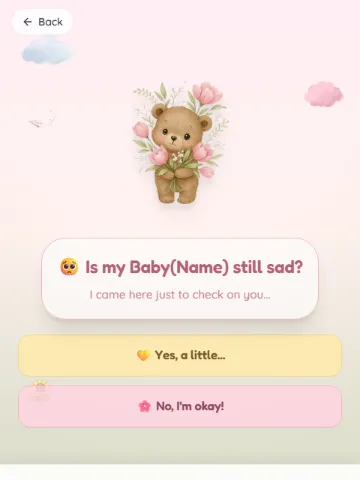
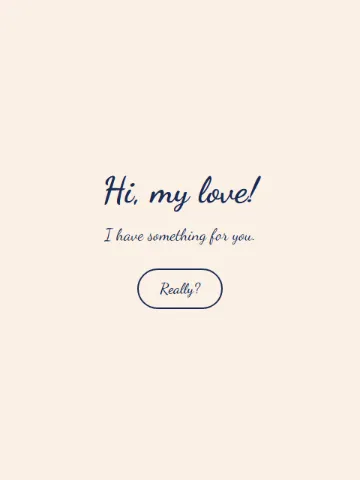
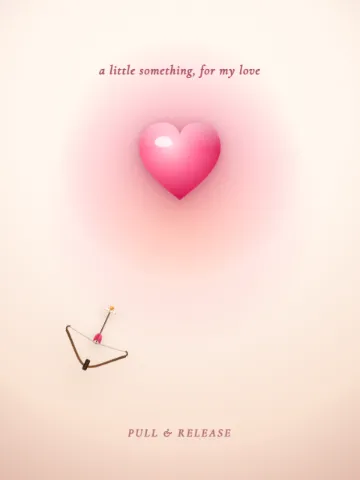
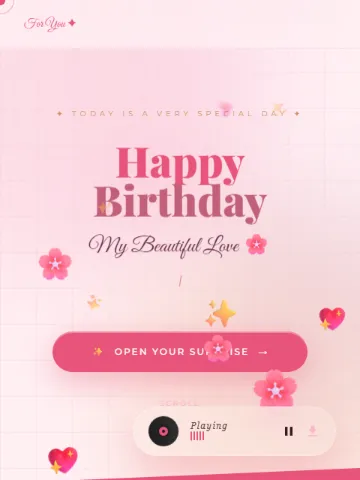
Birthday, anniversary, sorry, or just because. Choose the one that feels like them.
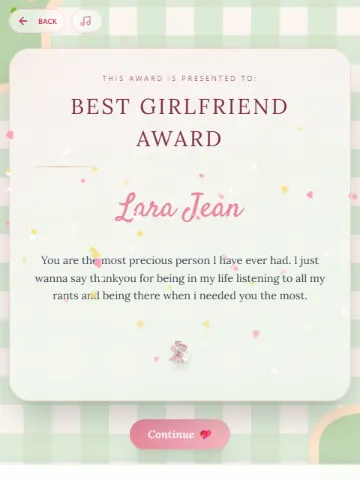
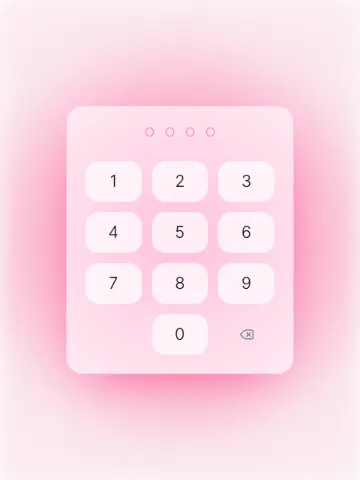
Type over the sample text and swap in your pictures. The preview shows it as you go.
You get your own link. Share it on WhatsApp, Instagram, or as a QR code.
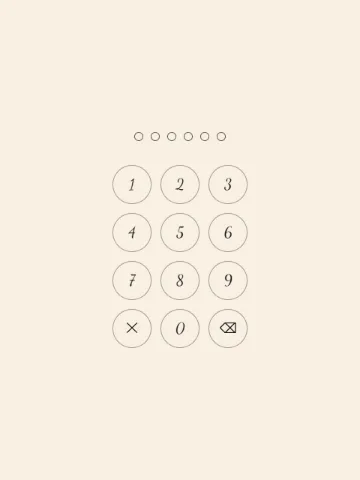
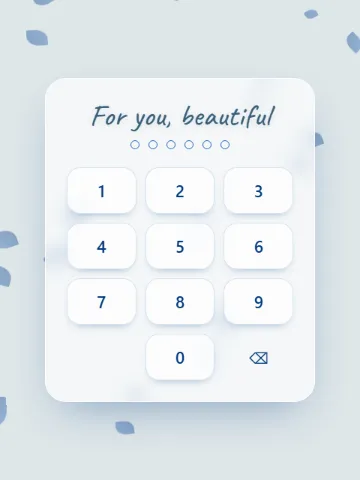
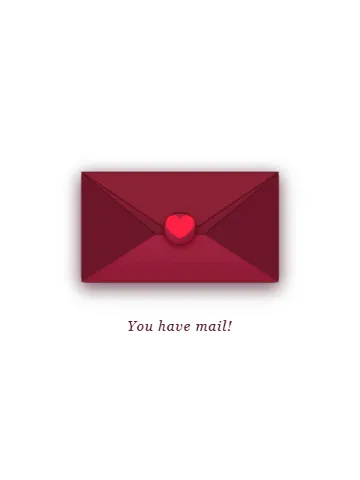
Tap any design to make it yours.
💘 Valentine
Meow Webpages is a free tool for making a small personal website for someone you love: a birthday wish, an anniversary surprise, an apology or a Valentine’s proposal. You pick a design, add your own words and photos, and get a link to send them.
Yes. Making a page and sharing it is free, and you don’t need to sign up or create an account.
Pick a template, type over the sample text with your own words, swap in your photos, and press “Create my page”. You get a link straight away. Most people finish in a couple of minutes.
When your page is ready you get its link, buttons for WhatsApp and Instagram, and a QR code. Send the link to them like any other message.
Only people who have the link. Your page is not listed anywhere on Meow Webpages, and search engines are told not to index it.
No. Everything happens in the browser on a phone or a computer, and there is no code to write.
Yes. Every photo in a template can be replaced with one from your phone or computer.
JPG, PNG, WebP or GIF. Large photos are made smaller in your browser before they upload, so they send quickly even on mobile data. Videos can’t be uploaded.
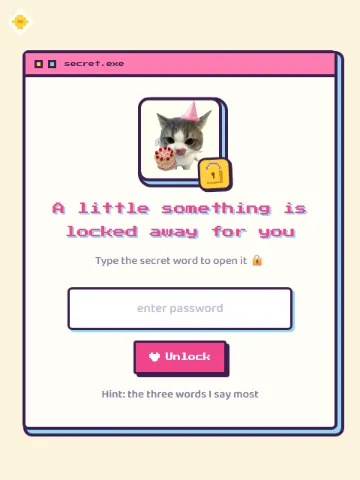
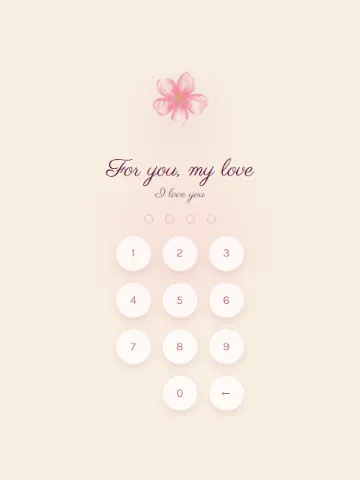
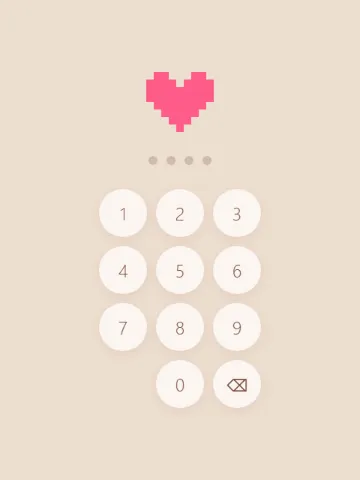
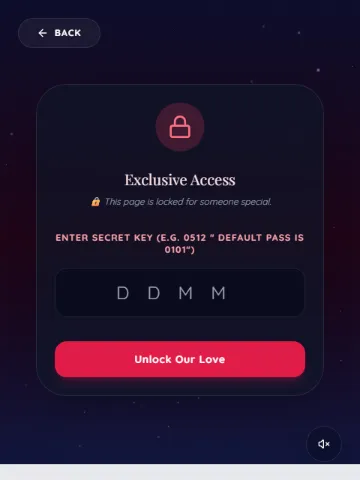
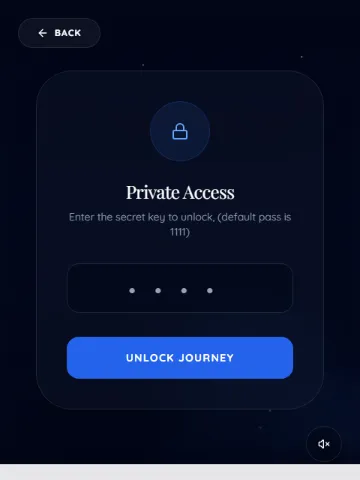
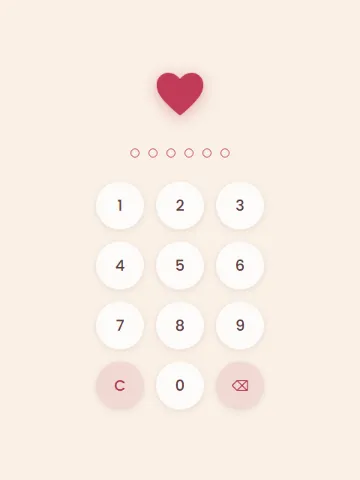
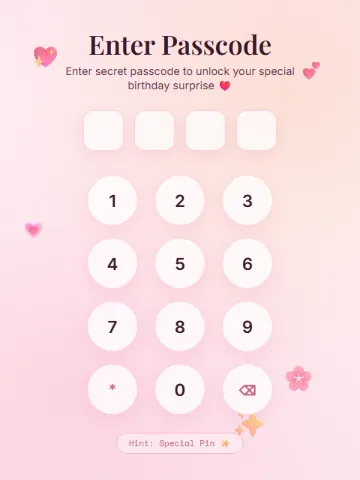
Yes, on templates with a lock screen. You choose the passcode or secret words the person has to type before the page opens.
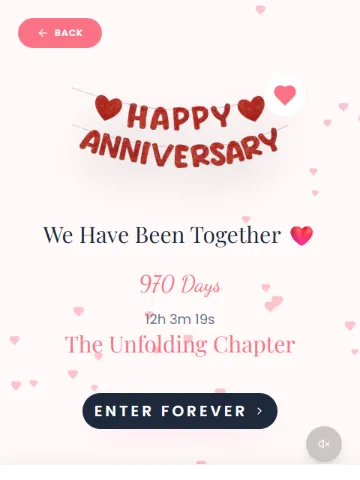
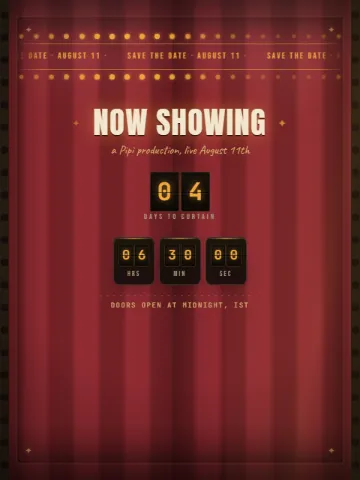
Some templates count down to a date or count the days since one. You pick the date from a calendar while you customise.
On some templates, yes: you paste a Spotify song link and it plays on your page. Other templates come with their own music.
Not yet. To change something, make a new page from the same template and send the new link.
Better Experience Available
Instagram's built-in browser has limitations. For smoother animations and full features, open this in a dedicated browser.